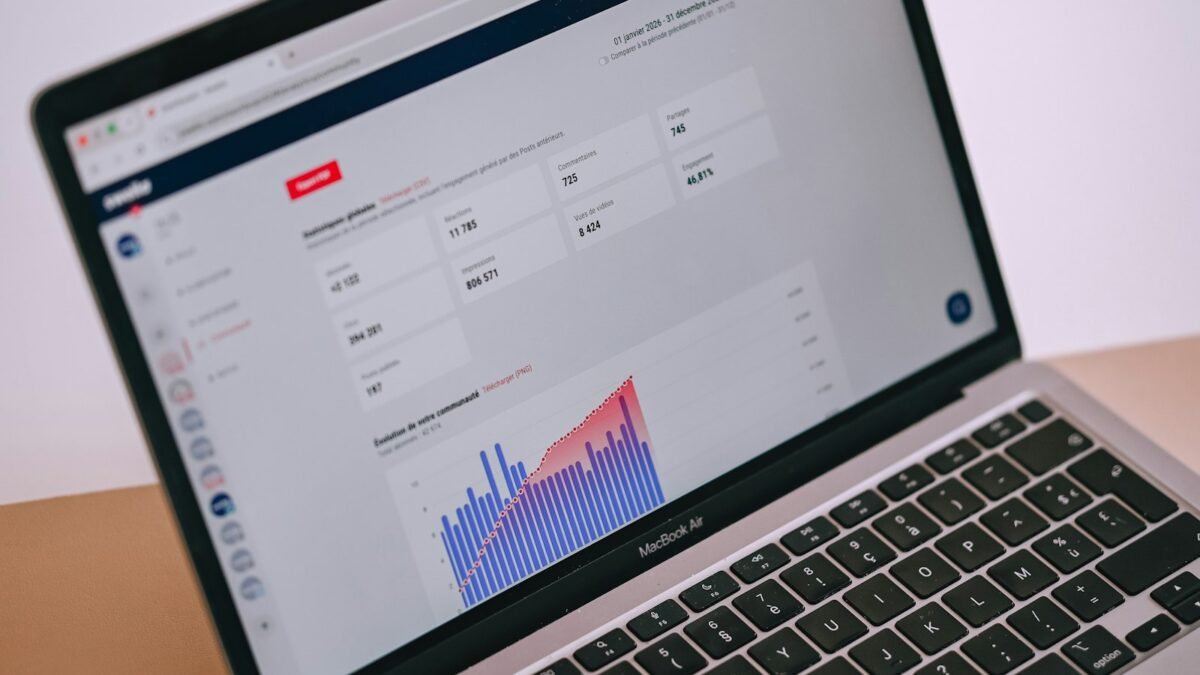
Google announced expanded AI agent monitoring across BigQuery and Looker on November 13, bringing usage dashboards, conversation records and evaluation tools into its data platform. The changes target teams that need to understand what deployed agents do, rather than simply whether they return an answer.
Google Cloud says BigQuery agent-monitoring dashboards and Looker System Activity dashboards are generally available. The latter track engagement and token usage, while response feedback and query review remain in preview. Tokens are the units a model processes, making their consumption relevant to both capacity and cost.
Logs are useful but intentionally incomplete
Google Cloud’s conversation-logging documentation spells out an important limit. The service records supported conversations in customer-owned BigQuery tables, but it does not ordinarily preserve generated SQL queries or tool-call details. SQL can appear when a user explicitly asks the agent to show or explain it in an answer.
A privacy check runs before each turn. Logging is skipped if relevant knowledge sources use row-level security, column-level policy tags or dynamic data masking, or if the check cannot confirm the absence of those controls. The agent can still answer the question. Missing records can therefore reflect a deliberate privacy boundary rather than an inactive agent.
Other exclusions include the BigQuery Studio editor’s preview pane and direct conversations without a data agent. The documentation also warns that logging failures do not fail the chat request and are not reported in the chat interface. An empty or missing destination table may be the only signal that records were not written.
Cost controls operate at different levels
Google Cloud’s separate cost-management documentation describes per-query byte limits for on-demand BigQuery workloads. Before executing a query, the agent estimates how much data it would scan. If that estimate exceeds the configured limit, the query fails without a scan charge and the user receives an error.
Project-level and user-level daily quotas provide another control. For expensive workloads, the documentation recommends isolating an agent in a dedicated project so broader quotas can be applied to it. These documented query-cost mechanisms do not apply to projects using slot reservations, a different way of purchasing BigQuery capacity.
Those controls measure database work, not merely model text generation. A short natural-language request can trigger a large query, while a lengthy answer does not necessarily imply a large scan. Keeping those two resource measures separate is essential when interpreting an agent’s operating cost.
Monitoring does not establish answer accuracy
The announcement also describes preview token quotas and agent evaluations, alongside the open-source Prism evaluation tool. Evaluations test changes before deployment; runtime records help investigate behavior afterward. Google distinguishes operational metrics from opt-in conversation content, which requires its own governance decisions. Teams adopting the new dashboards still need to confirm which interactions are visible, which are intentionally omitted and whether their test cases detect incorrect answers before users encounter them.